

For restaurants and cafes in Nepal
From table to kitchen to bill, one app.
Open a table on your phone, send the order to the kitchen, and print a VAT bill at the price on your menu.

Every table, every order and every bill, in one place.
Paper slips, shouted orders and a notebook at the counter make a busy evening slow, and leave the VAT for the end of the month.
Side by side
Without XoraPro, and with it
The same day in your trade, told twice: once on paper and phone calls, once in XoraPro.


The lunch rush
Without XoraPro
Waiters keep the tables in their heads and walk back and forth to check who has ordered.
With XoraPro
The floor shows every table as free, seated, ordered or waiting for its bill.
Sending an order
Without XoraPro
Orders go to the kitchen on handwritten slips, and a lost slip is a dish that never comes.
With XoraPro
The order lands on the kitchen board, and the cook marks it cooking, then ready.
A guest wants to order
Without XoraPro
The guest waits to catch a waiter's eye before they can order.
With XoraPro
The guest scans the table's QR code and the order joins that table's tab.
The bill
Without XoraPro
The bill is added up by hand, and the VAT is worked out separately.
With XoraPro
The VAT bill prints at the menu price, with the VAT worked out inside it.
Closing time
Without XoraPro
The day's slips are counted at closing, and the month's VAT is pieced together later.
With XoraPro
The items sold and VAT reports show the day's sales and the VAT collected.
What it does
What XoraPro does for you


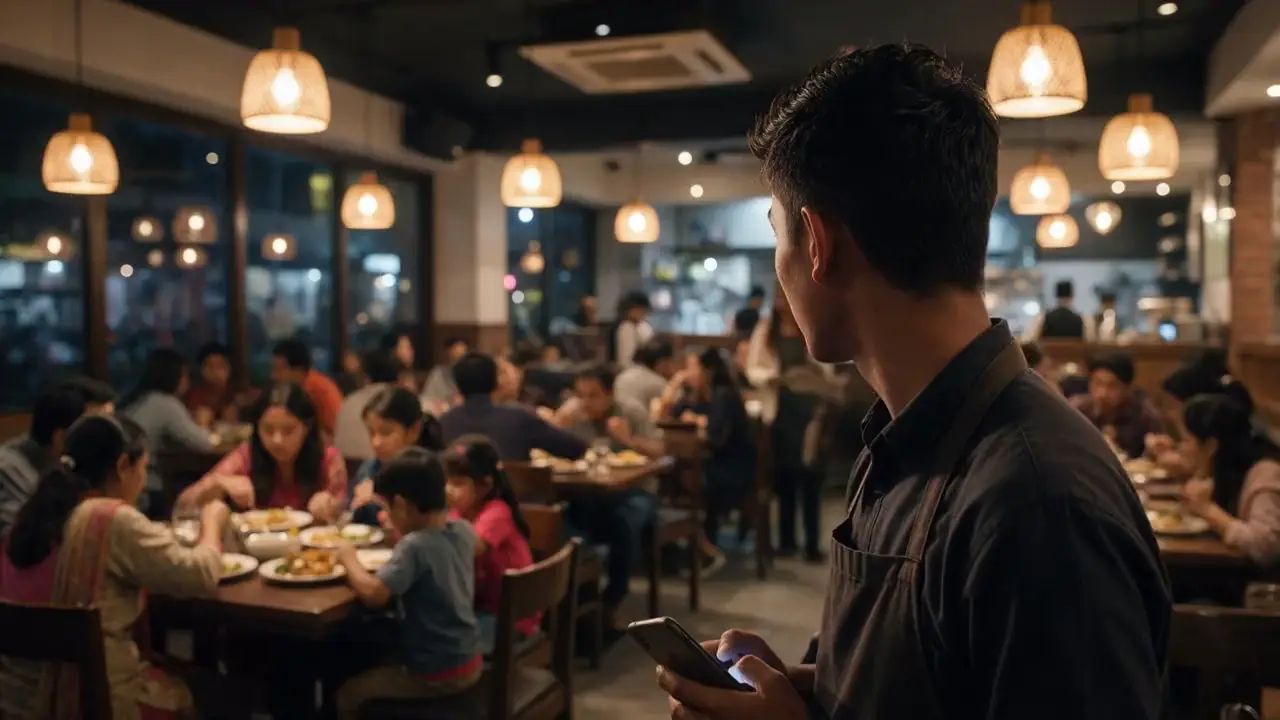
1 of 5
The floor shows each table as free, seated, ordered or waiting for its bill, on any phone your waiters carry.
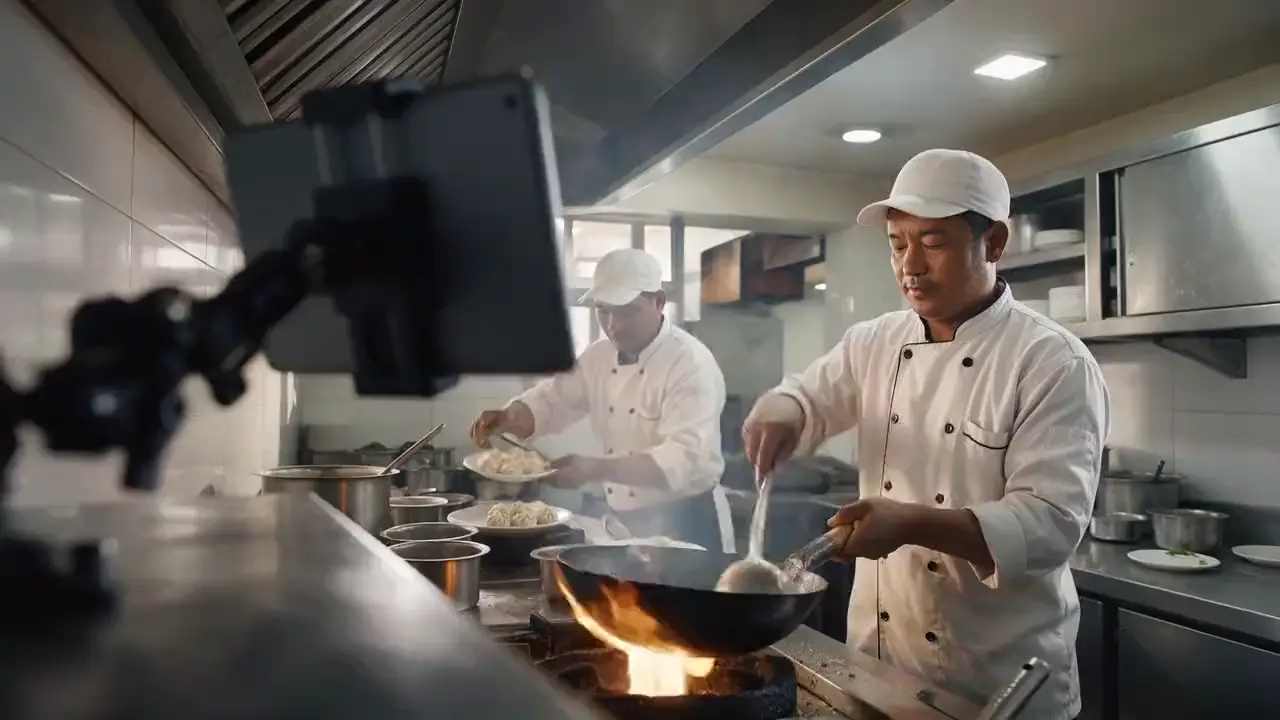
2 of 5
Orders arrive on the kitchen board, the cook marks them cooking and then ready, and the waiter sees it.

3 of 5
Each table has its own code. The guest opens your menu on their phone, and the order joins that table's tab.

4 of 5
A restaurant's menu price already holds the VAT, so the bill shows the figure your guest saw, with the VAT worked out inside it.
Nepal rule Menu prices include VAT (VAT Rules 2053, rule 14Kha), and nothing is added above the menu price as a service charge (Supreme Court, January 2023).
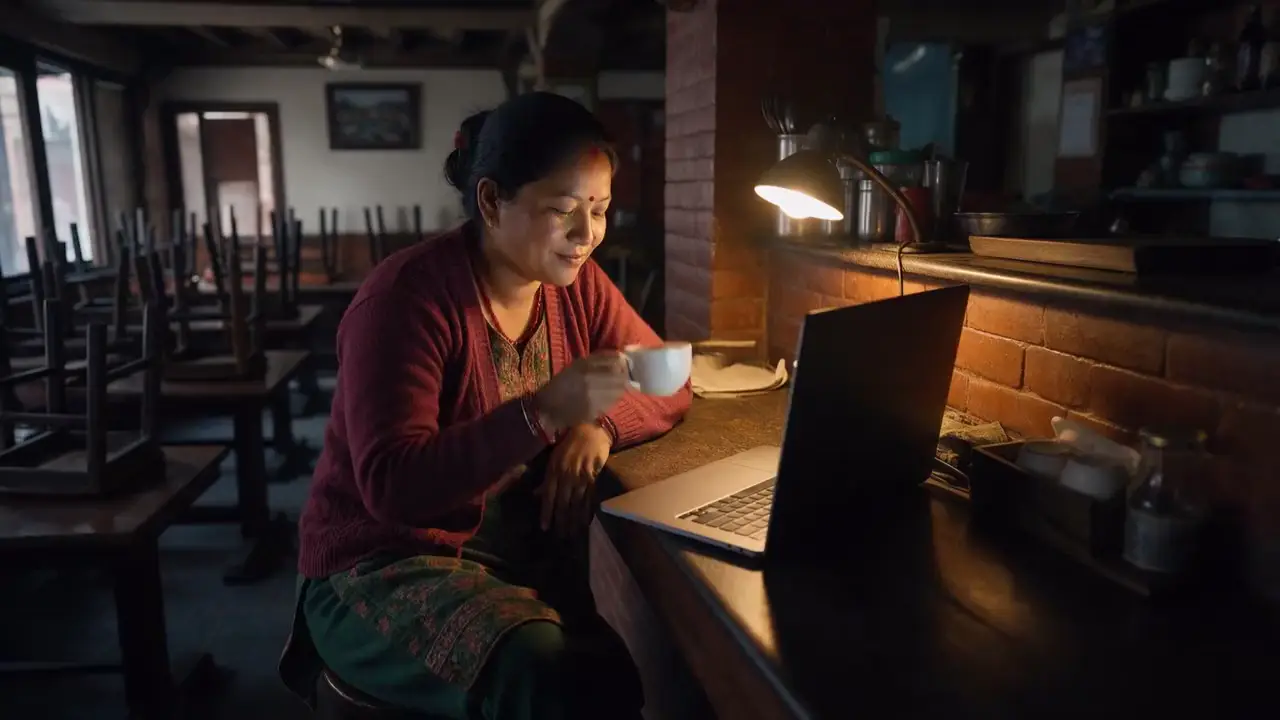
5 of 5
At closing, see what sold and the VAT you collected, ready for the monthly VAT return.
See it working
Screens from a demo business on XoraPro. The figures on them are examples.
- 01
Every table at a glance: free, seated, ordered or waiting to pay.
Example figures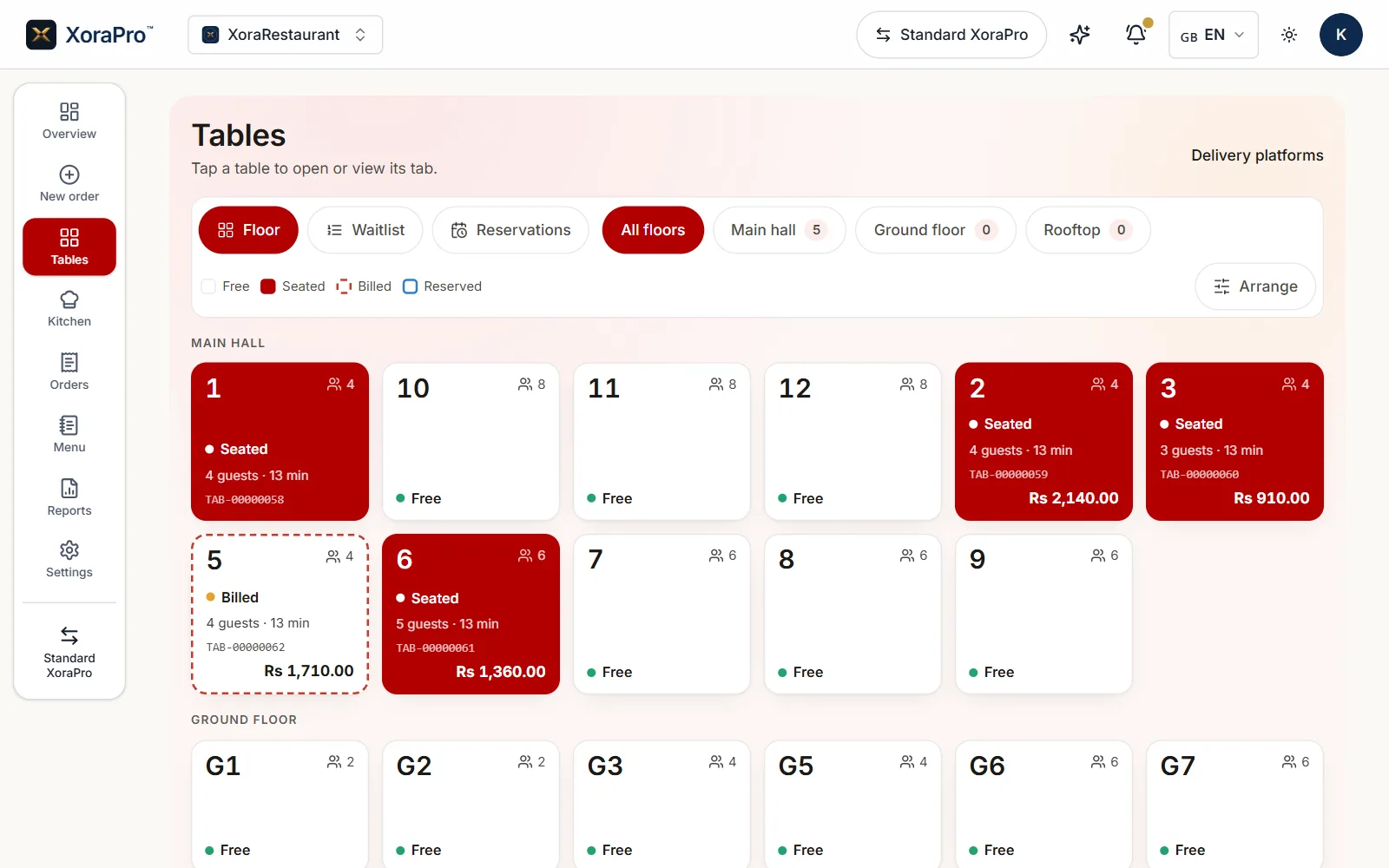
- Main hall, Ground floor and Rooftop as filters, each with its own count.
- Free, Seated, Billed and Reserved: every colour on the floor means one thing.
- Table 1 shows its guests, how long they have sat and its tab number.
- The dashed edge marks a table that has been billed, with the bill's total on it.
- 02
Orders arrive in the order they were sent and leave the board when the cook marks them ready.
Example figures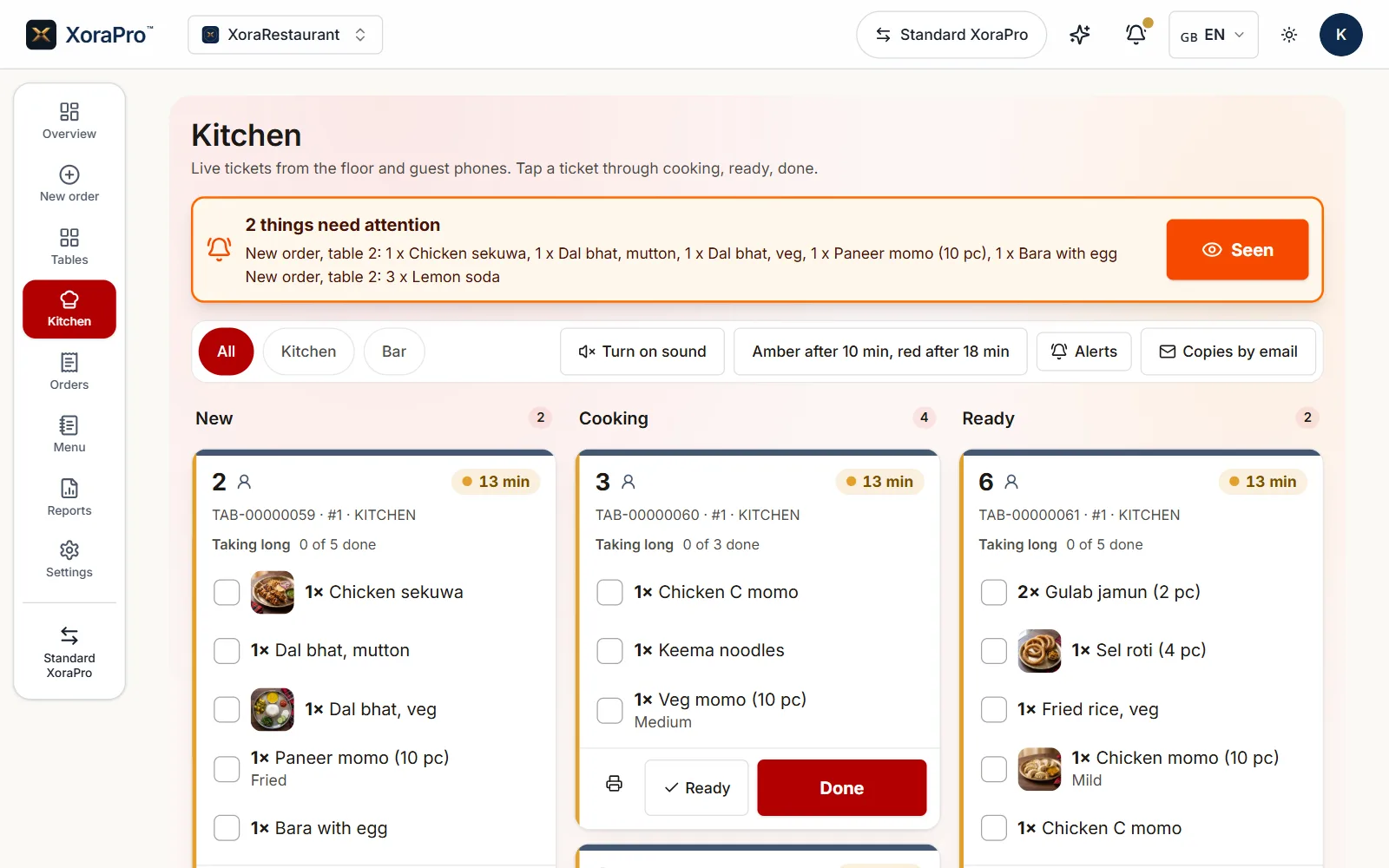
- New orders are listed at the top until someone presses Seen.
- Tickets turn amber after 10 minutes and red after 18, as set here.
- Each ticket moves across the board as the kitchen works on it.
- The cook ticks off each item and presses Done when the ticket is finished.
- 03
A tax invoice printed by XoraPro for a demo business, the VAT shown on its own line.
Example figures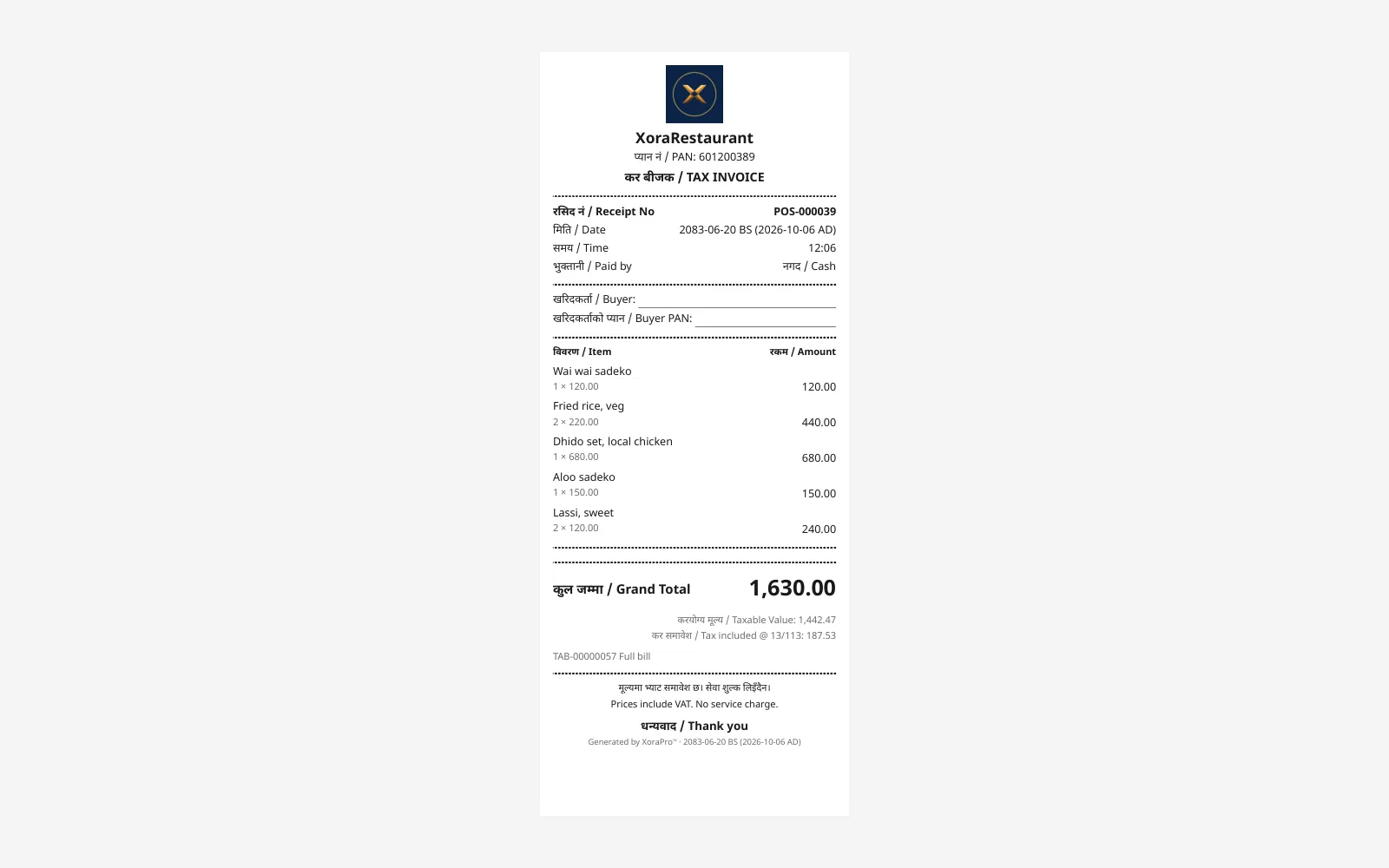
- Headed TAX INVOICE in Nepali and English, with the restaurant's PAN.
- The date in Bikram Sambat with the AD date beside it.
- The taxable value and the VAT included, each on its own line under the total.
- The bill says whether VAT is included and whether a service charge was added.
- 04
Each table's own QR code opens your menu on the guest's phone, and the order joins that table's tab.
Example figures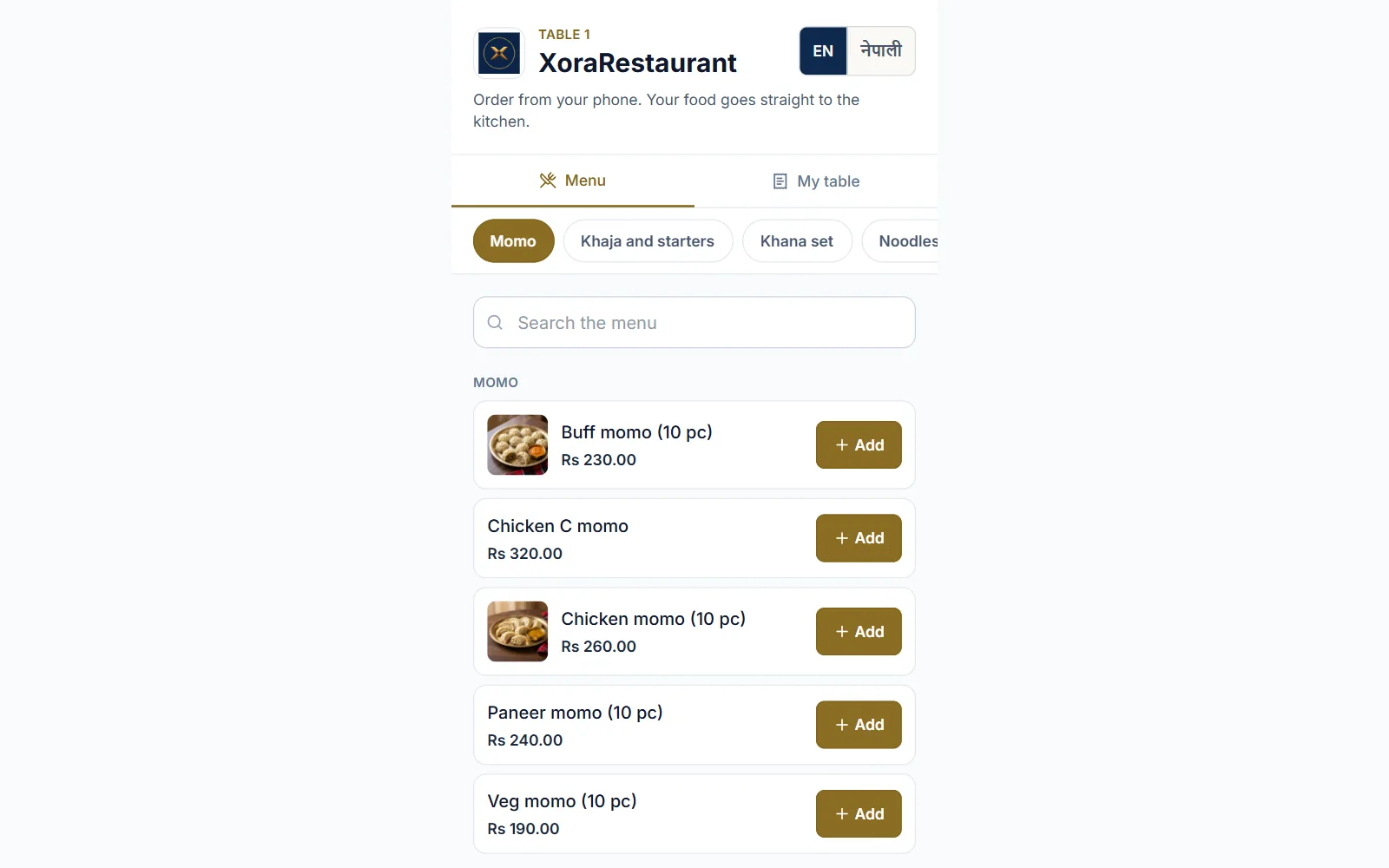
- The menu opens for the table whose QR code the guest scanned.
- The guest picks the menu's language.
- Momo, khaja, khana set and noodles: your own sections, one tap apart.
- Each dish has its price and an Add button, and the order joins the table's tab.


Friday rush
What this shows: The kitchen board: every ticket moves from New to Cooking to Ready, and turns amber, then red, as it waits.
Who it helps
Better for you, and for the people you serve
For your business
See which tables are free, seated, ordered or waiting to pay, from any phone your staff carry.
The day's items sold and the VAT collected are in one report, ready for the monthly VAT return.
Each change is logged with who made it and when, and the log cannot be edited.
For your diners
Guests scan the table's QR code, open your menu on their phone, and the order joins their table's tab.
The bill shows the price that was on the menu, with the VAT worked out inside it.
The order goes from the waiter's phone to the kitchen board, with no handwritten slip to misread.
The same counter, two ways
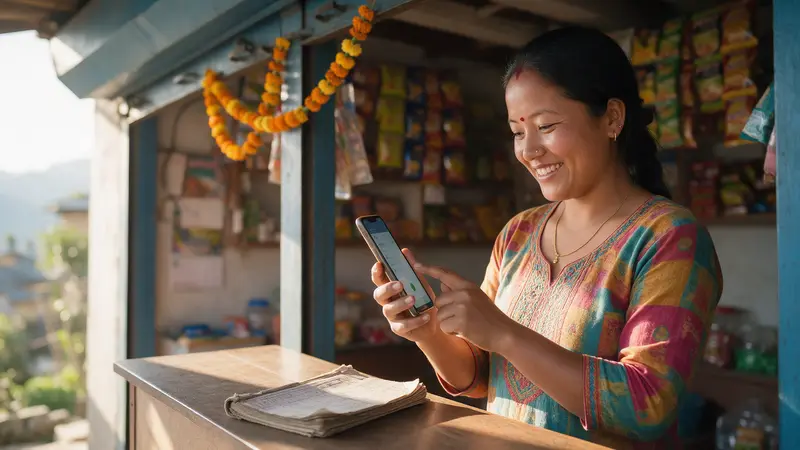
What this shows: One photograph of the same counter, the same people: on paper, and under the lens, with XoraPro.
Move the lens over the photograph with a mouse or a finger. Under it, the same counter with XoraPro.
With Lens on, the two sliders move it with the arrow keys; with Wipe, the slider drags the line. Show all of it opens the whole picture.

Built for Nepal
Bikram Sambat first
Today is Monday, 30 Kartik 2083, 16 Nov 2026.
Your next VAT date
The VAT return is due on 25 Mangsir (11 Dec), in 25 days.
Nepali and English
On the screen and on the paper, in the language each person reads.
Keeps selling
Keeps selling when the internet drops.
What you can check
- The main copy of your records is kept on a server inside Nepal, with a read-only standby copy in Singapore.
- Every change is logged with a name and a time, and the log cannot be edited.
- A posted bill is reversed, never deleted.
- Your accountant can be given read-only access.
- The whole book exports to Tally XML, Excel or CSV at any time.

Other industries

Hotels and lodges
- Rooms, bookings and the guest bill
- Housekeeping for every room
- A register of foreign guests
Shops and kirana
- VAT bills in seconds
- A khata customers can see
- Keeps selling when the internet drops

Distributors
- Shops order from you on their phone
- A truck arrival posts the supplier bill
- Every payment on the customer's khata

Pharmacies
- Scan the barcode to bill
- VAT and non-VAT items on one bill
- Stock that counts itself

Schools
- Fees billed and followed up
- Marksheets and progress reports
- Parents see results on their phone
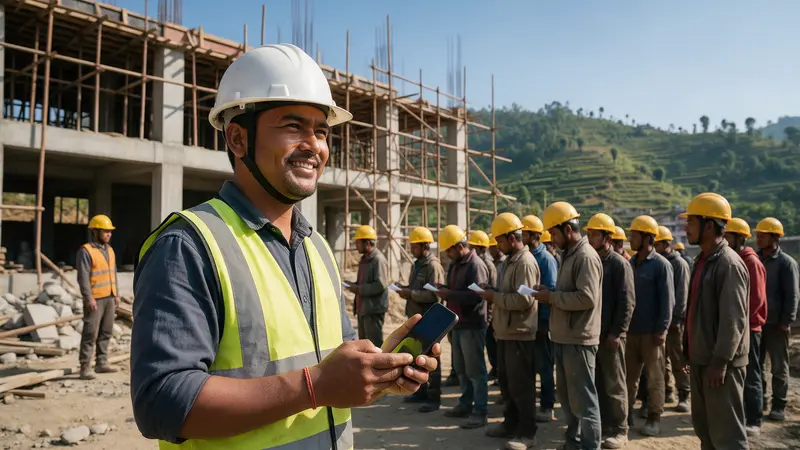
Construction and contractors
- Workers clock in at the site with a PIN
- Where site staff worked, day by day
- Wages and advances in one place

Accountants and audit firms
- Every client from one console
- Each client keeps its own plan
- You set and charge your own fees

Transport and logistics
- Every vehicle's log and mileage
- Driver licences and renewals tracked
- Cash collected on delivery, recorded
All industries
Choose your industry at sign-up and XoraPro opens with the right screens, accounts and reports.
- Supermarkets and grocery stores
- Butchers and meat shops
- Pet shops and pet supplies
- Fish markets and fish shops
- Clinics and healthcare
- Manufacturing
- Salons, wellness and gyms
- Automotive and workshops
- Cooperatives (sahakari)
- Agriculture and farming
- Online and e-commerce
- Import and export
- Real estate and rentals
- Hydropower
- Non-profits and NGOs
- Handicraft and artisans
- Professional services
- Staffing and manpower
- IT, software and startups
- Media, creative and events
- Freelancers and self-employed


